
We've rolled out a set of improvements to give you more intuitive, and faster control over your showcase site. Whether you're updating a single location or reorganising hundreds, these changes should save you significant time.
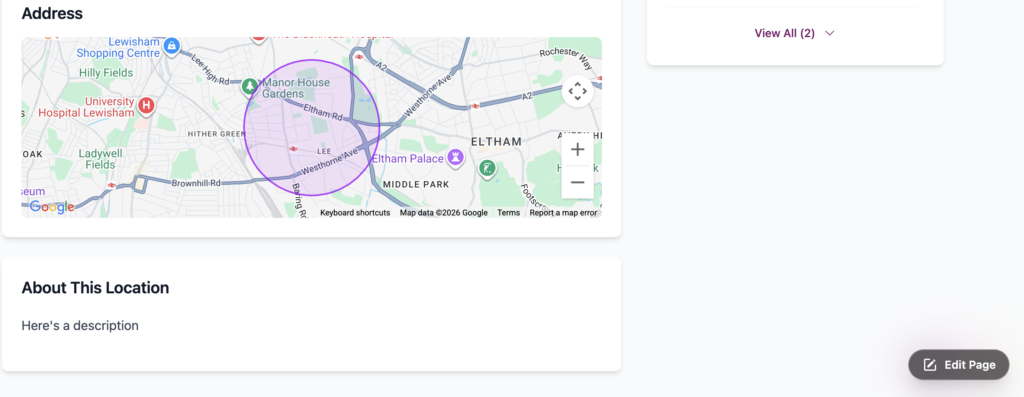
This is the big one. If you're logged into an email with edit control for a showcase site, you'll now see an edit button in the bottom-right corner of every public page. Click it, and you'll go straight to the relevant editing screen on your private side — no more hunting through your account to find the right page. It's a small change that saves a surprising amount of time in your workflow.
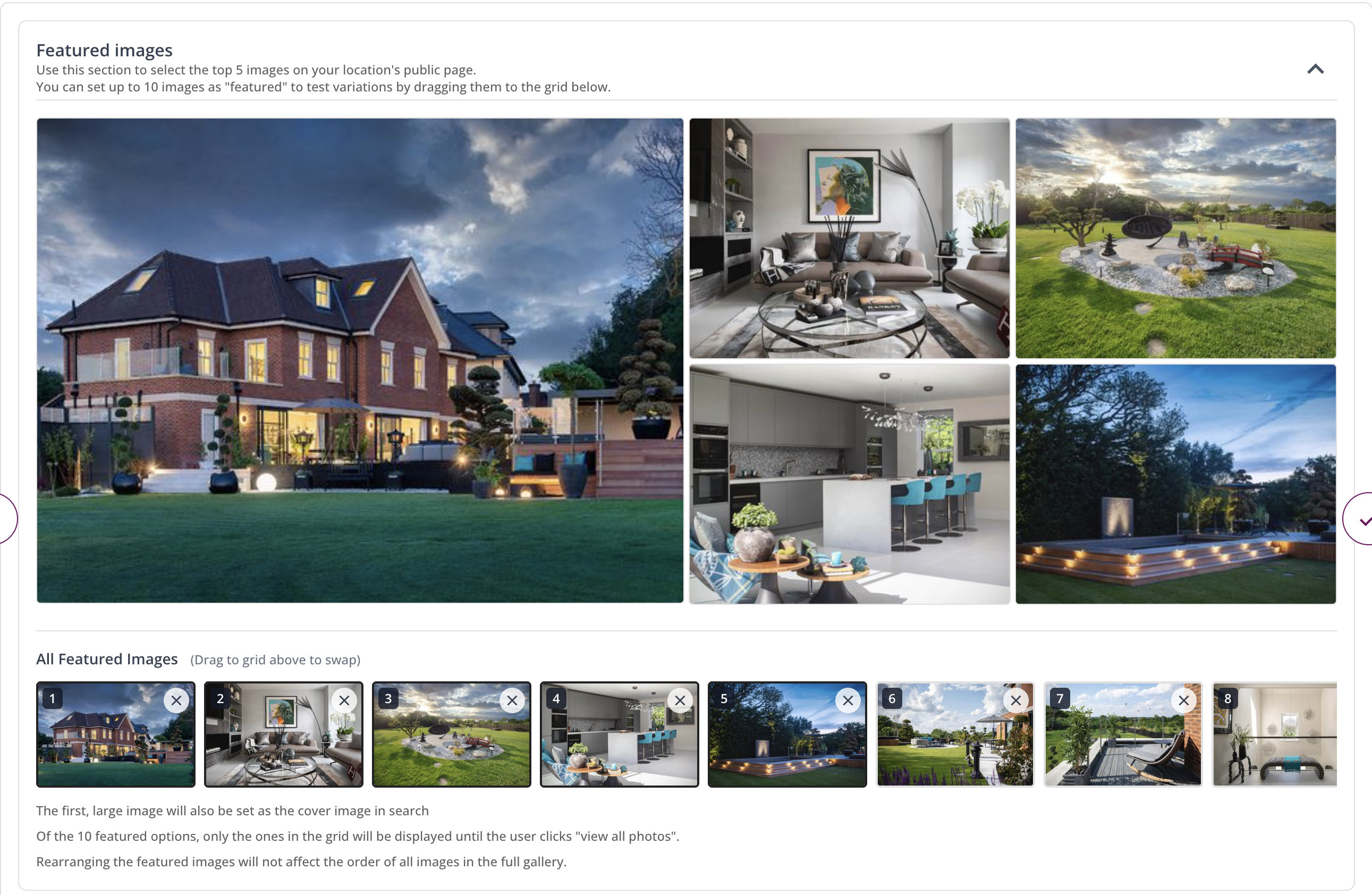
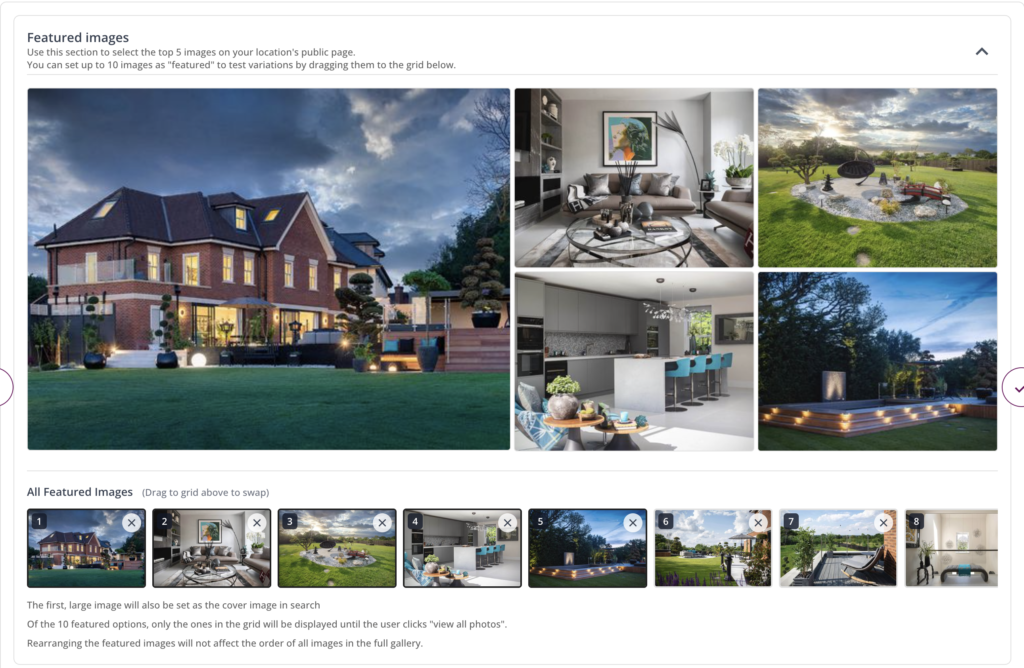
On each location's public page, the five images at the top are now fully in your control. You can select which photos appear there and drag them into whatever order you like. The large image on the left automatically becomes the cover photo that appears in search results too, so you can make sure your best shot is front and centre.
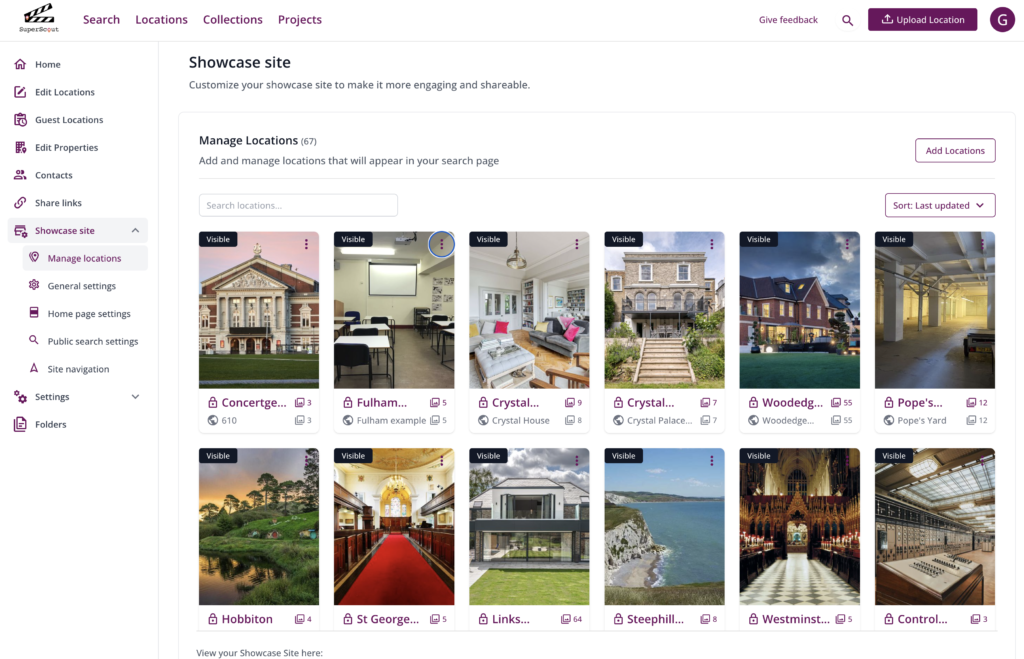
Whether you have a handful or hundreds of locations on your showcase site, the old "click View More and keep scrolling" approach was painful. The Manage Locations section now includes proper search (by private or public name) and sorting options (by date added or name). Finding and editing specific locations is now much quicker.
All three features are live now. Log in to your SuperScout account, go to showcase site settings & click the showcase link at the bottom, then log in to see how it all works.
Have any questions? WhatsApp or email us anytime.
Explore our other time-saving features here: